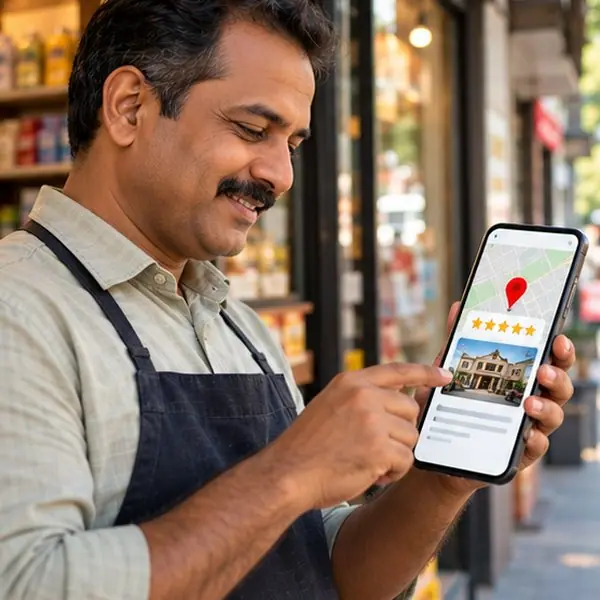
When someone in your city searches "dentist near me" or "mobile shop in Hazratganj", the businesses shown on the Google Maps panel get most of the calls. Getting listed is free. Getting listed correctly is what separates a profile that brings customers from one that sits unseen. This guide walks through the full process for Indian businesses.
Step 1: Check whether you are already on the map
Search your business name and area on Google Maps. Many shops already have an unclaimed listing created from public data. If one exists, you will claim it instead of creating a duplicate. Duplicates confuse customers and can hurt your ranking.
Step 2: Create or claim your Business Profile
- Go to business.google.com and sign in with a Google account that you control long-term, not an employee's personal account.
- Enter your business name exactly as it appears on your signboard. Do not add keywords such as "Best" or your city to the name, because Google can suspend profiles for this.
- Choose whether customers visit you, you visit customers, or both. Service-area businesses can hide the street address.
- Pick your main category carefully. It is the strongest single signal for what you rank for. Add a few relevant secondary categories.
Step 3: Enter your address and phone the way you will use them everywhere
Use the same name, address and phone number on your website, Facebook page, JustDial and every other listing. Consistency is how Google trusts that all of those mentions refer to one real business. Drop a pin on the exact location and double-check it.
Step 4: Verify
Google verifies that you really operate from the address. Depending on your business, you may get a video verification, a phone or email code, or a postcard. For video verification, be ready to show the street, the signboard, the inside of the premises and your tools or stock. Do not fake a location: profiles verified with false addresses are the ones that get suspended later.
Step 5: Fill in every field
- Hours including holidays, updated when plans change.
- Services or products with short plain descriptions.
- Description: write what you do, who you serve and what makes you different in natural language, without phone numbers, links or promotional offers.
- Attributes such as wheelchair access, online appointments or women-led, if true.
- Website and appointment links.
Step 6: Add real photos
Upload a clear exterior photo (so people recognise the shop), interior, team at work, products or dishes. Real photos taken on a phone in good light beat stock images. Add new photos regularly; it signals that the business is active.
Step 7: Start collecting genuine reviews
Share your review link with customers right after good service, in person or on WhatsApp. Never buy reviews, offer discounts for 5-star ratings or ask staff and relatives to review; Google removes these and can penalise the profile. Reply to every review politely, including critical ones.
Common mistakes that hurt Maps visibility
- Creating multiple profiles for the same address.
- Keyword-stuffed business names.
- Wrong category (for example "Store" instead of "Mobile phone repair shop").
- Never answering questions or reviews.
- Using a virtual office or someone else's address.
How long until it works?
A verified, complete profile can start appearing within days, but ranking above established competitors takes steady effort: photos, reviews, accurate information and a website that matches. Treat it as ongoing work, not a one-day task.
If you would like help setting up or fixing your profile, DiziGoo offers Google Business Profile optimisation as part of local SEO. You can also read our profile checklist and our guide to local SEO in 2026.