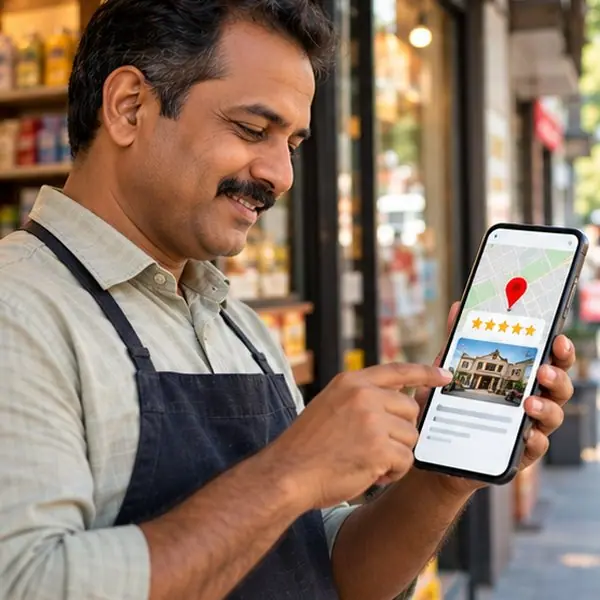
Reviews influence both rankings and trust. A shop with 80 genuine, detailed reviews often wins over a competitor who is closer but has five. The goal is not a perfect score but a steady stream of honest feedback. Here is how to build it safely.
What Google allows
You may ask customers for reviews, provided you do not pay, bribe or pressure them, do not only ask happy customers (this is called review gating and is discouraged) and do not write reviews yourself. Staff, owners and their relatives should not review the business.
Step 1: Get your review link
In your Google Business Profile, find the option to share a review form. You get a short link that opens the review box directly. Turn it into a QR code for your counter, bills, packaging and invoices.
Step 2: Ask at the right moment
- Right after a good experience: after a service is completed, a purchase delivered or a problem solved.
- Ask in person first, then send the link on WhatsApp so it is one tap away.
- Keep the message short and human.
A simple message example
"Thank you for visiting us today. If you were happy with the service, a short Google review would help other customers find us. Here is the link: [link]. Thank you!"
Step 3: Make it easy and specific
Suggest what customers might mention, such as the service they used, but never script the review itself. Detailed reviews mentioning real services (for example, "AC servicing", "bridal makeup") help your profile relevance.
Step 4: Reply to every review
Thank positive reviewers by name and add a detail about their visit. For negative reviews, reply calmly, apologise where appropriate, avoid arguing and offer to resolve the issue offline. Future customers read your replies as much as the reviews.
Step 5: What to do about unfair or fake reviews
If a review breaks Google's policies (spam, conflict of interest, offensive content, not about a real experience), use the "Report review" option from your profile. Do not retaliate or offer money for removal. Keep screenshots and details in case you need to appeal.
What never to do
- Buy reviews or use "review exchange" groups.
- Offer discounts or gifts only in return for 5-star ratings.
- Ask customers to review from the same Wi-Fi at your counter all at once.
- Delete or hide your own address to avoid scrutiny.
Set a realistic goal
Aim for a handful of new reviews each week, not hundreds overnight. Sudden spikes look unnatural and may trigger filtering. Consistency beats volume.
DiziGoo helps businesses design review-request flows and manage their profiles. Read our profile checklist or local SEO service.